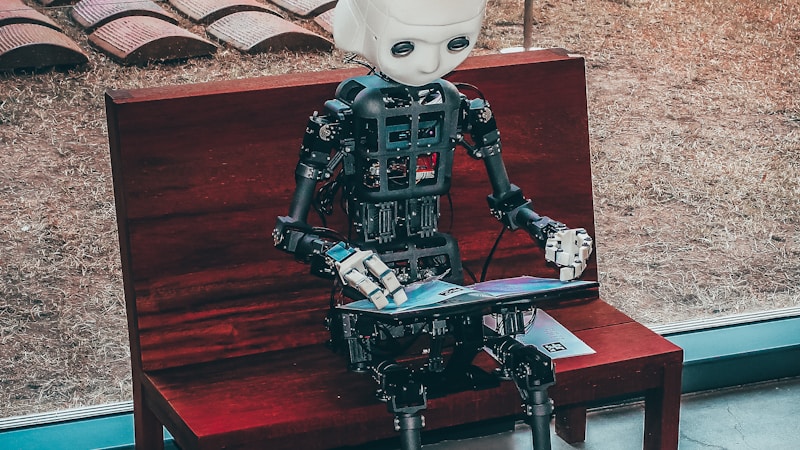
The Reachy Mini conversation app — the embodied assistant from Pollen Robotics — can now call tools hosted in public Hugging Face Spaces over MCP (Model Context Protocol). The headline: you can give the robot a new ability, like checking the weather, with a single command instead of editing the app.
From Local to Remote Tools
Built-in tools today are local and mostly about the robot’s body — move_head, dance, play_emotion, camera, and head_tracking. Sharing or updating those means handing over Python files. For stateless capabilities like search, weather, and lookups, remote tools are the better fit: they live in a Space, run there, and can be published and iterated on independently.
Profiles Control Everything
A tool is only callable if its ID appears in a profile’s tools.txt, alongside the built-ins. The default profile enables the full set; dedicated canary profiles like canary_web_search_weather pair expressive robot tools with remote search and weather tools. tools.txt remains the gatekeeper for remote tools too.
Installs, Namespacing and Canary Tools
- Add:
tool-spaces add pollen-robotics/reachy-mini-search-toolinstalls, probes the MCP endpoint, and enables the tool - Namespacing: pollen-robotics/reachy-mini-search-tool becomes pollen_robotics_reachy_mini_search_tool__search_web, avoiding collisions with built-ins
- Canaries: two reference tools ship from pollen-robotics — a web search tool and a weather tool (get_day_brief)
- Safety: tool names must be unique across the merged set, and the app fails fast on duplicates
Prompt design matters as much as plumbing — the canary instructions tell the model to call both tools in parallel for mixed weather-plus-events questions, then merge the results into one spoken-style answer.
Current Limits
Supported today: public, MCP-compatible Gradio Spaces over the standard /gradio_api/mcp/ endpoint, multiple Spaces at once, and per-profile enablement. Not yet: private or authenticated Spaces, non-Gradio Spaces, or arbitrary raw MCP URLs. Tool discovery failure aborts the install.
What This Means
Three kinds of tools — built-in, local custom, and remote MCP — now share one registry, with profiles deciding what the assistant can reach. The robot’s trusted core stays small while capabilities are added, tested, and swapped without touching the app: a pattern that points toward how embodied agents will be extended with everyday skills.